Back to store
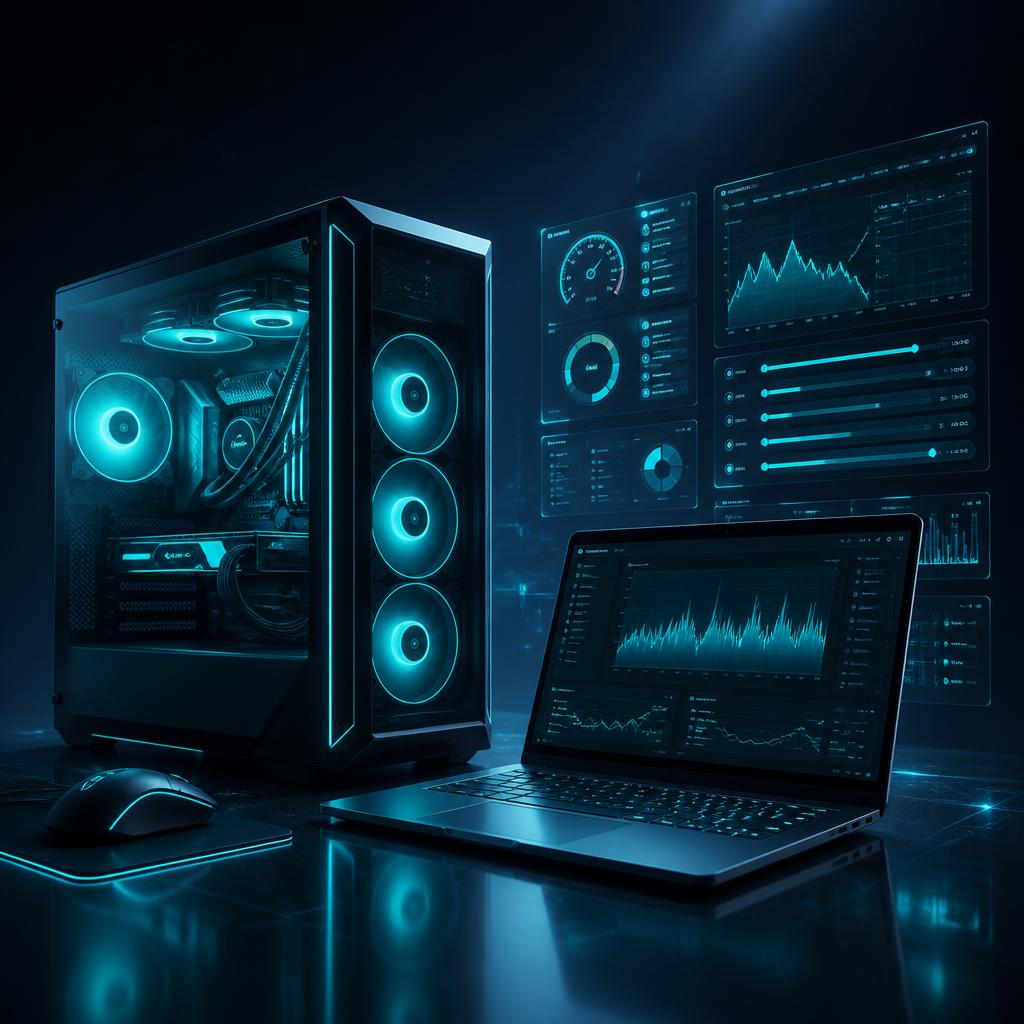
Windows gaming PC and gaming laptop with performance tuning dashboards

PC Gaming Optimization

Windows gaming PCs & laptops — personalized performance tuning by a technician.

A technician reviews your Windows gaming PC or gaming laptop and prepares a personalized optimization plan for the game you actually play. The session may include Windows gaming optimization, storage cleanup, startup and background process optimization, network optimization, gaming and graphics settings recommendations, FPS optimization guidance, performance troubleshooting, game configuration, driver guidance and Windows performance configuration. Performance improvements depend on your hardware, Windows installation, drivers, game settings, and system condition. A clean Windows installation is a separate optional service and is never included automatically.

What you get

  • Windows 10 & Windows 11 gaming PCs and laptops
  • Personalized plan based on your exact specs
  • Windows, startup, background and storage tuning
  • Graphics, game and network settings guidance
  • Driver guidance and performance troubleshooting
  • Delivered through order chat or WhatsApp support
$10.00Same day

Windows PC & Gaming Laptop — Windows 10 / 11

Choose a package

Your PC information

Windows gaming PCs and laptops only. Screenshots are optional and should never show passwords or product keys. We never ask for your Windows or game account password.

Windows gaming PCs and gaming laptops only.

Example: Custom build, or Lenovo Legion 5 Pro.

Example: Ryzen 5 5600X or Intel i5-12400F.

Example: RTX 3060, RX 6600, or integrated graphics.

Example: 16GB DDR4 3200MHz.

The game you want optimized first.

Roughly what you get today in that game.

Example: stable 60 FPS, or smoother 144Hz gameplay.

Stutters, FPS drops, long loading, overheating, lag, and when it happens.

So the technician can reach you if needed.

Paste an image link. Never include passwords or product keys.

msinfo32 — paste an image link.

dxdiag or your GPU control panel — paste an image link.

Paste an image link.

This is a separate optional service and is not included in the standard optimization.

  • Secure checkout — prices verified server-side
  • Order tracking and receipts in your account

How PC gaming optimization works

Windows PC & Gaming LaptopWindows 10 & Windows 11Manually delivered by a technician

Built for Windows gaming PCs and gaming laptops. A technician reviews the specs you send and prepares a plan for your exact system and your main game. Mobile devices are covered by our separate Mobile Gaming Optimization service.

  1. 1Share your PC specs and performance goal
  2. 2Pay the service fee
  3. 3Payment is confirmed
  4. 4A technician reviews your system information
  5. 5Your personalized optimization plan is prepared
  6. 6Guidance is delivered in the order chat or on WhatsApp
  7. 7Optimization is completed

What the service may include

  • Windows gaming optimization
  • Storage cleanup
  • Startup optimization
  • Background process optimization
  • Network optimization
  • Gaming settings optimization
  • Graphics settings recommendations
  • FPS optimization guidance
  • Performance troubleshooting
  • Game configuration
  • Driver guidance
  • Windows performance configuration

What we do not promise

  • Performance improvements depend on your hardware, Windows installation, drivers, game settings, and system condition.
  • Optimization is personalized to your exact system and the game you play.
  • We do not promise a specific FPS increase or a fixed performance result.
  • A clean Windows installation is never part of the standard service — it is a separate optional service.

Clean Windows installation — optional separate service

If your system needs a clean Windows installation, that is handled as a separate optional service with its own price and scheduling. It is never included automatically in the standard optimization, and we will always confirm with you before recommending it.

Your safety comes first

  • We never ask for your Windows account password.
  • We never ask for your game or launcher account password.
  • We never ask for payment PINs or verification codes.
  • Screenshots are optional and should never show passwords, keys or personal documents.
  • Guidance is delivered through the secure order chat or WhatsApp support.

Optional screenshots that help

  • Task Manager (Performance tab)
  • System Information (msinfo32)
  • GPU information (dxdiag or GPU control panel)
  • Current in-game graphics settings

Order status you can follow

  1. 1Order createdYour optimization request was created and is waiting for payment confirmation.
  2. 2Payment confirmedYour payment was verified and your request is queued for a technician.
  3. 3PC information receivedYour specs and details are confirmed and complete.
  4. 4Optimization startedA technician has picked up your case and started your optimization plan.
  5. 5Optimization in progressYour personalized configuration and recommendations are being prepared.
  6. 6Optimization completedYour guidance was delivered through the order chat or WhatsApp support.

Frequently asked questions

You might also like